
Searching Cases by Name
Open Kansas CaseSearch, accept the public-use notice, and choose District. Select Party Name, Business Name, or Party As Business Name to match the way the party is indexed. Choose Elk County when the county field appears. A broad Kansas search can return similar names from other counties, so county, case category, and filing dates are useful safeguards.
- Choose District, then the correct name-based search type.
- Enter the name as accurately as the court record is likely to show it.
- Select Elk County and add a case category or filing range if needed.
- Complete the portal's human check and compare matching case numbers.
- Open the right case and review the newest event before relying on it.
| Field Label | Type | Required | Notes |
|---|---|---|---|
| Court | Select | Yes | Use District for an Elk trial case. |
| Search Type | Select | Yes | Party and business modes are separate. |
| Search Term | Text | Yes | Use the permitted party or business term. |
| County | Select | Conditional | Choose Elk County for district results. |
| Case Type | Select | No | Criminal, civil, family, or probate/mental health. |
| File Dates | Date range | No | Narrows results by filing window. |
Elk CaseSearch Portal Controls
The current public interface separates District from Appellate. Lower Court Case Number is marked for appellate use, so it is not a route into a city municipal docket. Optional filters include case type, date of birth, File Date From, and File Date To. Date of birth may help distinguish names, but private data should not be copied into notes or shared outside the official task.
The current field layout appears in the state-hosted inspection interface.
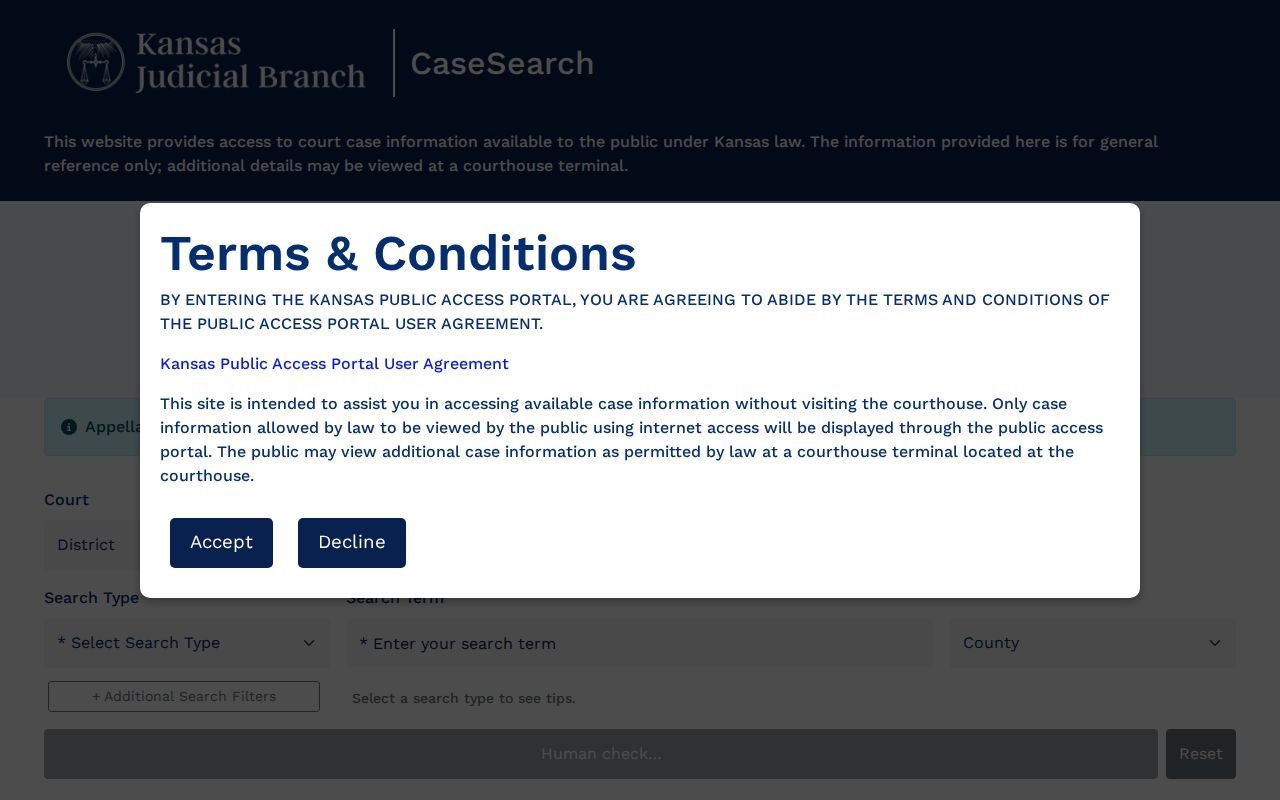
The image shows the public controls without displaying a private case. Use production CaseSearch for an actual lookup.
Searching by Case Number
A case number is less ambiguous than a name. For 13th District cases initiated before November 1, 2021, the guide gives the form 2021-CR-000001. Later cases add the county prefix, as in the synthetic example EL-2021-CR-000001. EL identifies Elk, the year marks initiation, CR is the case-type code, and the final six digits are the sequence. TR can mark traffic and CV civil. Enter the number exactly, then retry without spacing or punctuation changes only as the official search tips permit.
An old case may have searchable information even when older documents were not converted. A missing image does not make the number wrong. Use the courthouse terminal or clerk for the public file behind the index.
Elk Searches and Human Checks
The current Search button begins as “Human check…” and becomes available after the site verifies a human user. Do not bypass that control. If a browser cannot complete it, reset the form, try normal browser access, or move to the courthouse public computer. The production portal presented an automated-access challenge during research, so no private result was captured.
The official production landing view can be recognized through the Kansas CaseSearch source.
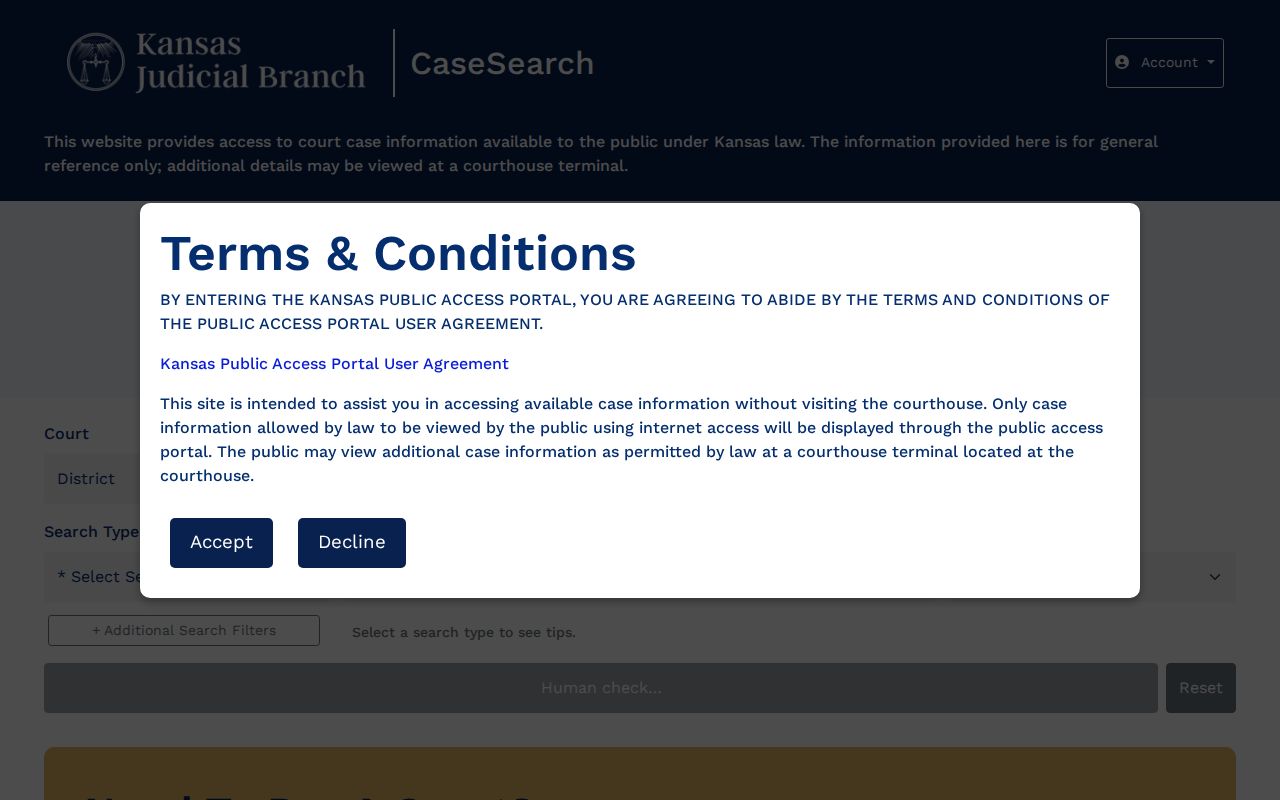
This image confirms the proper state system. It does not replace the clerk when the portal blocks access or omits a public detail.
What a Case Search Returns
A matching result can identify the case number, caption, broad case category, filing date, status, parties and roles, attorneys, judicial officer, and register events. Settings may show date, time, event type, officer, location, and status. A document list can name a filing, file date, document type, and whether an eligible image is available. These fields must be read together.
| Case Number | The unique EL-prefixed or legacy identifier. |
|---|---|
| Caption and Roles | The indexed parties and their roles. |
| Case Type | Criminal, civil, family, probate, or mental health. |
| Filed Date | When the action entered the court system. |
| Status | Current system label, which must be read with events. |
| Events | Chronological filings, hearings, orders, and dispositions. |
Elk CaseSearch Is Not eFlex
CaseSearch is for public viewing. Kansas Judicial Branch eFiling/eFlex is a login-based filing and case-management gateway for authorized users. A member of the public does not need an eFlex account merely to search a docket. Likewise, a submitted filing is not proof that the clerk accepted it or that it appears in the public register.
The difference is visible at the official eFlex portal.
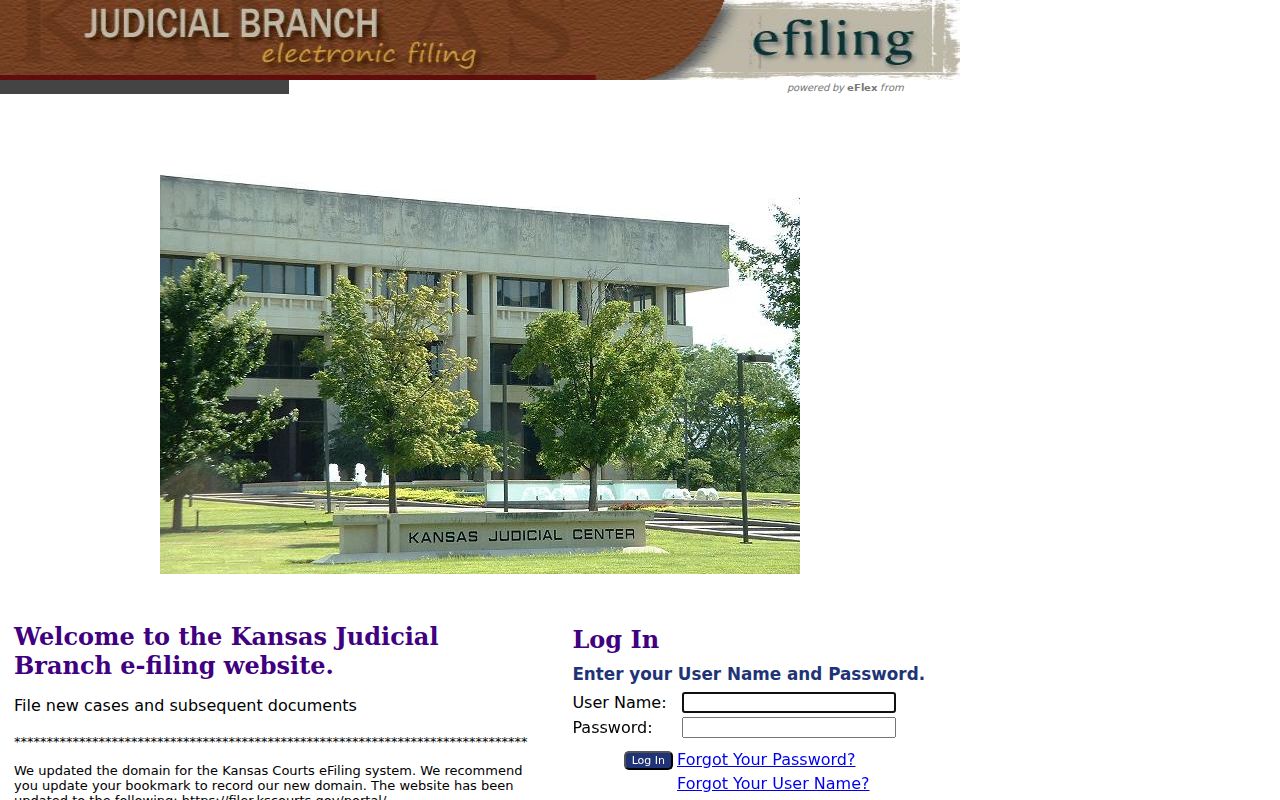
The login screen marks the filing channel. Return to CaseSearch or the courthouse terminal for public case information.
Statewide vs County Case Search
Elk has no county-built docket portal. The practical comparison is between statewide CaseSearch and the local courthouse access layer. CaseSearch is the first stop from anywhere. The public terminal and clerk handle details, eligible documents, older files, appointments, and copy requests that the internet view cannot resolve.
| Kansas CaseSearch | Elk Local Access |
|---|---|
| District and appellate public searches statewide. | Elk public terminal and clerk-held files. |
| Basic details, events, and eligible images. | Terminal-only data and specific copy requests. |
| Best for finding a number and tracking events. | Best after online filters fail or a copy is needed. |
When Elk Search Results Fail
First verify the court, spelling, search mode, county, number format, and date filters. Remove an overly narrow case-type filter. If the case is municipal, contact the relevant city clerk because city ordinance dockets have separate custodians and no unified Elk municipal index was found. If it is federal, use District of Kansas CM/ECF or PACER, not Kansas CaseSearch.
For an Elk district matter, call Clerk of the District Court Erin Meador's office at 620-374-2370. The public terminal is separate from the court offices at the courthouse, 127 N. Pine, Howard. Open files can be reviewed by appointment in a designated room, and the case number is required. A written request can be mailed to P.O. Box 306, Howard, KS 67349-0306, faxed to 620-374-3531, or sent through the official records-form email route.
Phone staff can confirm hours, custody, and procedure, but they do not conduct legal research or give legal advice. A no-result screen is not proof that no case exists.
Elk CaseSearch Guest Access
The current interface says guests can view basic case details. ID.me sign-in and expanded-access requests are paths for approved roles, not a general requirement for an ordinary public lookup. A filing account does not expand a guest's right to sealed material. Public access still follows Kansas rules.
CaseSearch also differs from the Kansas Courts Central Payment Center. The payment site may find a payment record, but it is not the register of action. A payment match cannot establish the newest setting, disposition, document contents, or current order. Use the case system for events and the payment system only for payment.
A person may locate an amount yet see no docket detail, or find a case event with no payable balance. Keep the case number, return to CaseSearch, and ask the Elk clerk which public record can answer the question. Staff can identify records and fees, but cannot interpret legal consequences.
The county filter also deserves care. The current list includes ordinary Kansas counties and several split-location labels elsewhere in the state. Elk County appears as its own option. A split label is not a hidden municipal court and should not be chosen merely because a city name seems familiar. If the notice names a city court, stop the district search and contact that city clerk.
Search dates describe filing windows, not hearing windows. A File Date From and File Date To filter can remove an older case that has a new hearing. Clear those dates when tracking an existing case. Conversely, a bounded filing range can reduce a large name-result set when the filing year is known. Always confirm identity through the case number, case type, and court rather than one name alone.
Basic online viewing showed no search charge. Charges arise when the Elk clerk must research, copy, fax, certify, authenticate, email material using staff time, or provide a recorded hearing. Finding a case and ordering its record are separate tasks. Use the public search to identify the number, then make a narrow records request for the exact product needed.
Access and Restricted Cases
Kansas Rule 22 distinguishes statewide internet access from courthouse-terminal access. Juvenile, child-in-need-of-care, adoption, certain guardianship, protection-order, warrant, presentence, and other protected categories may be unavailable online. Some documents can be terminal-only even when basic case information is public. Sealed material remains unavailable without lawful authority.
Guests receive basic case details. ID.me sign-in and expanded access apply only to approved roles and do not turn restricted records into public records. Rule 24 protects personal identifiers in filings. Court Services notes are a separate confidential file under Rule 106, even when the public register shows a related hearing or order.
Restricted does not mean missing. Ask the Elk clerk which public access layer applies, but do not request a workaround to a seal or rule-based restriction.
A courthouse terminal is broader than remote access, but it is not unlimited access. Converted documents, citations, or other items may need terminal review or a written request, while a sealed category remains closed at both levels. State the case number and the precise item when asking the clerk which rule applies. If access requires a judge's order, follow the court's filing procedure rather than asking staff to release it informally.
Search results should also be treated as current only when checked. A status label can lag behind a new order or need context from later register events. For a hearing date, read the newest setting and any replacement order. For a final result, locate the disposition event and signed judgment where public. The clerk's original record remains the source to verify before acting.